![right.png]](https://knowledge.rightbound.com/hs-fs/hubfs/right.png?height=40&name=right.png)
To pause prospecting, do the following:
- Log into Lifter (https://lifter.rightbound.io/)
- Navigate to Settings on the left-hand column
- Select Research Settings from the sub-menu
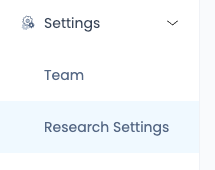
- Choose Pause Lifter in the upper right-hand corner

- Select Take a Break on the following pop-up
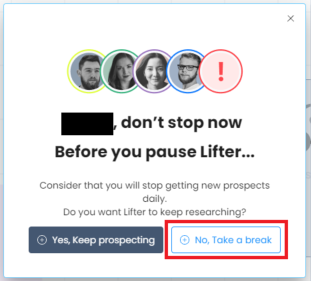
- Choose Resume Lifter in the upper-right corner of the integrations page

- Select Get my time back on the pop-up that displays to begin receiving new prospects again.